
Detailed product information
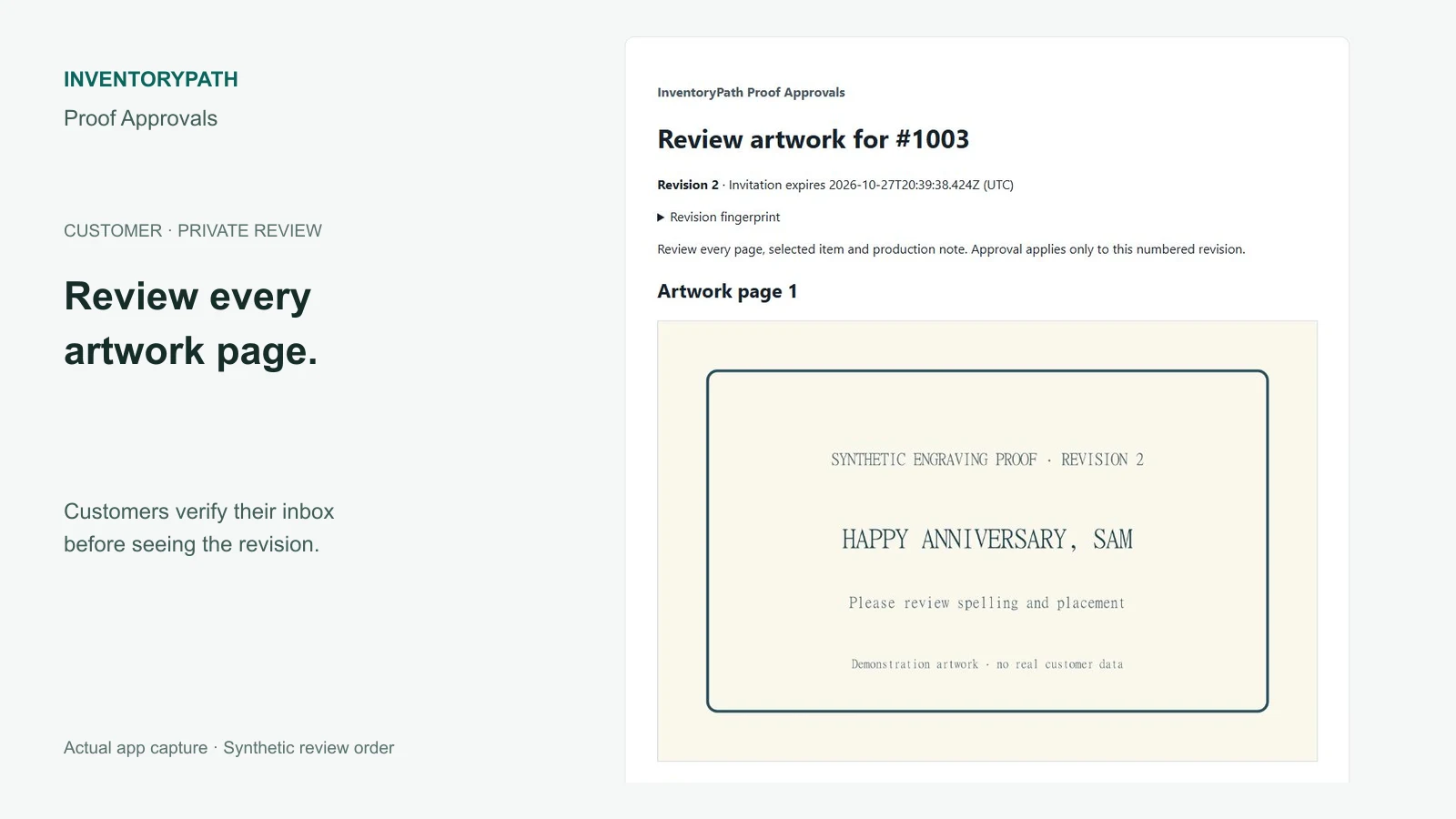
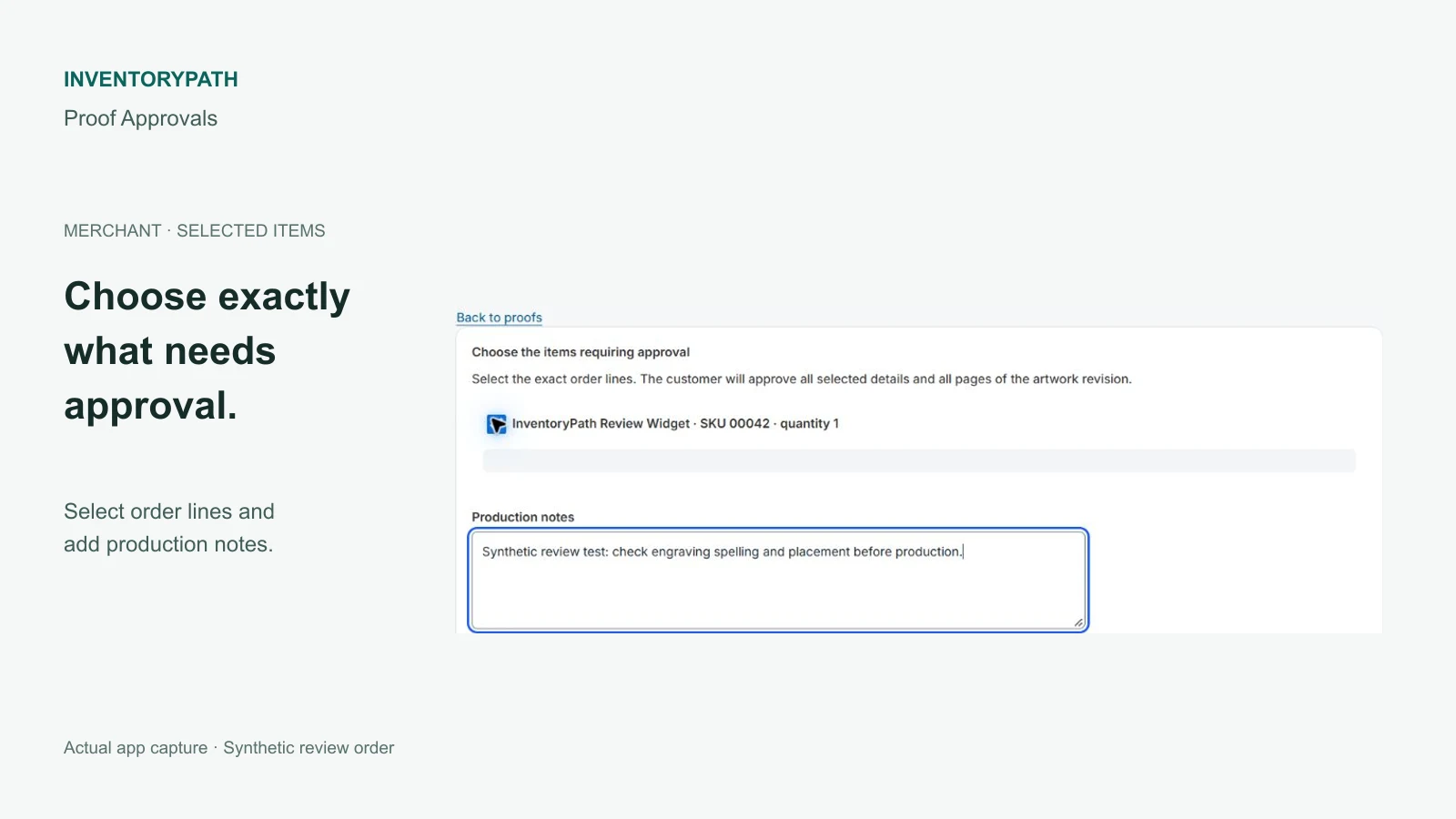
Review customer artwork before production. Choose items from a recent Shopify order, upload a JPEG, PNG or PDF proof, then send a private invitation to the order’s customer inbox.
Review a specific revision
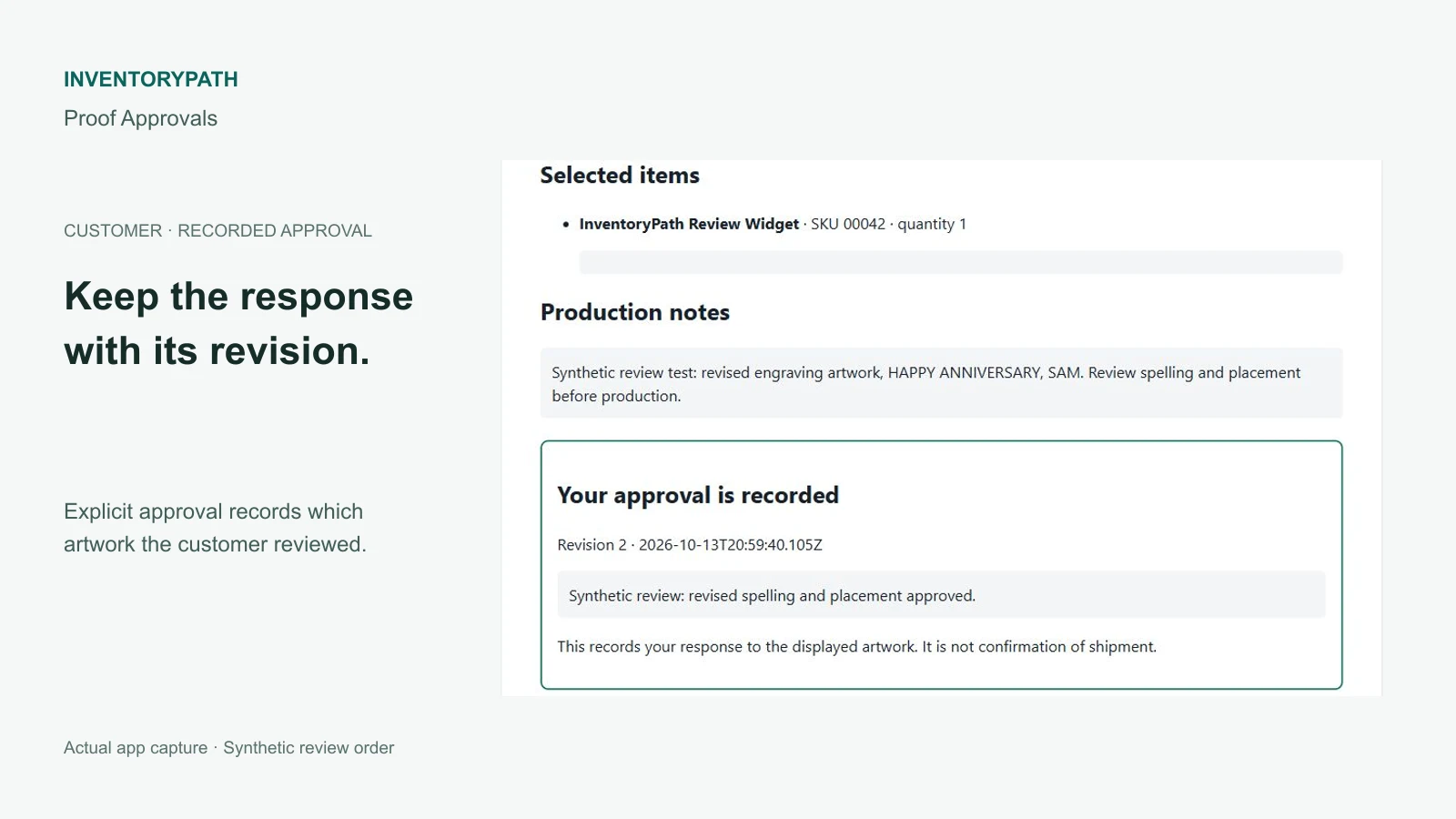
Customers verify their inbox and explicitly approve a numbered revision or request changes. They review all selected items, notes and artwork pages together. A forwarded invitation alone does not provide artwork access, and silence never approves a proof.
Merchants retain revision history and check the current order again before production. A later revision or corrected recipient requires a fresh invitation and response. The app records the response to the displayed proof; it does not certify a legal digital signature, colour accuracy or production quality.
Supported orders and artwork
Use recent accessible Shopify orders within a 59-day window. Each order has one proof job, with one artwork file per revision. Supported files are JPEG, PNG or PDF up to 10 MiB, with at most five PDF pages and twenty retained revisions per proof. Plan storage limits apply independently.
Invitations expire at the earlier of fourteen days or the order-access horizon. Proof records and rendered artwork expire ninety days after the proof job was created, or earlier on archive or privacy deletion. Keep your original artwork and any records you need outside the app; previews are not print-ready storage.
Before production
Check the current order on the approved revision and recheck after further changes. The app does not edit orders, hold fulfillment or prevent production outside the app. Shopify order reads and later order edits or production are not atomic.
Customer uploads, annotations, separate designer logins and Shopify Flow integration are outside this app’s workflow. Approval always requires an explicit customer response.
Shopify plans
The configured Shopify-managed monthly plans are:
- Starter: USD 9.99 per month, for 100 distinct first-published proof orders per Shopify billing cycle and 256 MiB retained artwork.
- Growth: USD 19.99 per month, for 500 distinct first-published proof orders per Shopify billing cycle and 1 GiB retained artwork.
Both plans have a fourteen-day trial. Shopify manages the saved prices, trial eligibility and subscription confirmation. There are no usage-based overage charges; App Store approval remains pending.
Each order counts once per billing cycle, including during the trial. Drafts, previews, revisions, comments and reminders do not add another proof order. Storage and revision limits apply independently. Downgrading does not reset used orders or retained storage.
Optional merchant setup tips
Optional setup tips are available. The full guide and core app work without email enrollment. Only the authenticated store owner can separately opt in and verify an eligible individual inbox.
Setup and optional tips inside the Shopify app provides a guide based on your store’s recorded progress. Staff can use it without subscribing. The owner can separately request up to four tips over the original fourteen-day window, subject to shared daily and weekly limits. Contacts and operational recipients are not imported into marketing automatically.
Tips come from Inventory App at [email protected] through Zoho Campaigns. Zoho CPaaS/ZeptoMail delivers requested setup-tip verification codes. Brevo is retained only where needed for previous withdrawals, late events and historical message/resource cleanup; it is not selected to send new tips for this app. Migration does not reenroll withdrawn or completed sequences. Use an individual inbox without a + tag; the app explains eligible inboxes before requesting a code.
App-specific and stop-all preferences remain available. Read the setup-tip guide and processing and retention details. The full guide and core app work without marketing consent. Product support remains [email protected].
Resources and support
InventoryPath is a brand of AvanSaber Inc., which operates Proof Approvals. Contact [email protected].